Vedanta Yog Heritage Club
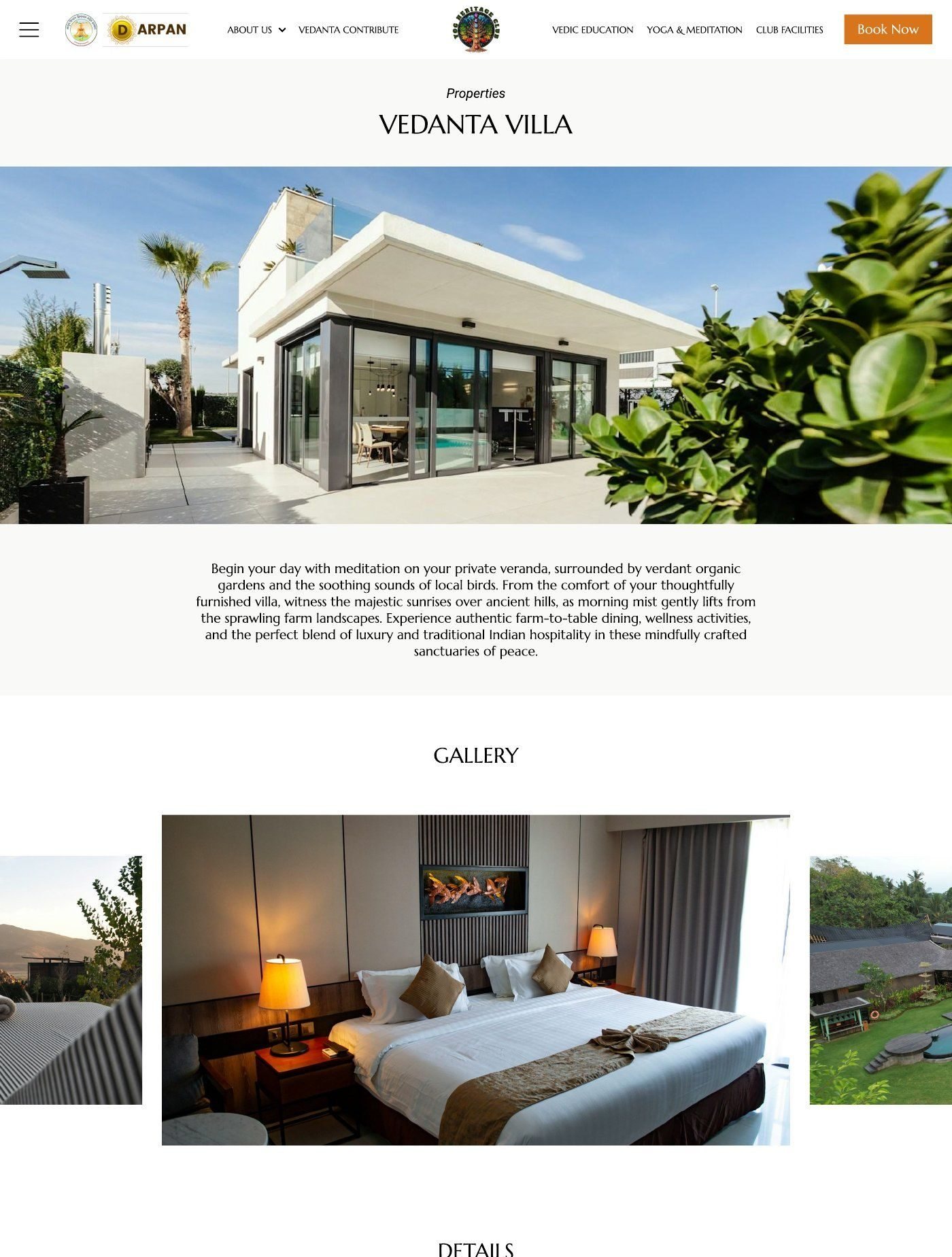
A public site, a member portal and a villa-owner portal for a spiritual lifestyle club, designed end to end alongside seven other client accounts.
- Role
- UI/UX designer, sole designer
- Timeline
- About 3–4 months, alongside other clients
- Tools
- Figma
- Status
- Live at vedantaclub.com
The brief
Vedanta Yog Heritage Club brings together Vedic education, yoga and meditation programmes, and a club membership with villa stays, retreats and events across Rajgarh, Amarkantak and Rishikesh. They wanted one digital home for all of it: a public site, sign-up and payments, a portal for members, and a separate portal for people who own villas and list them on the platform.
The scope and goals were clear from the start, but the visual direction was mostly open. There was a logo and a rough colour idea; I shaped the typography, photography style and components as I went. Content often arrived after a page was designed, so several screens were reworked two or three times.
The hard part
No single screen here is unusual. The challenge was making every layout decision on my own, without a senior designer to review with. So I built a habit: finish a screen, leave it for a day, then come back and question it. Most pages went through that loop several times.
Villa listings at catalogue scale
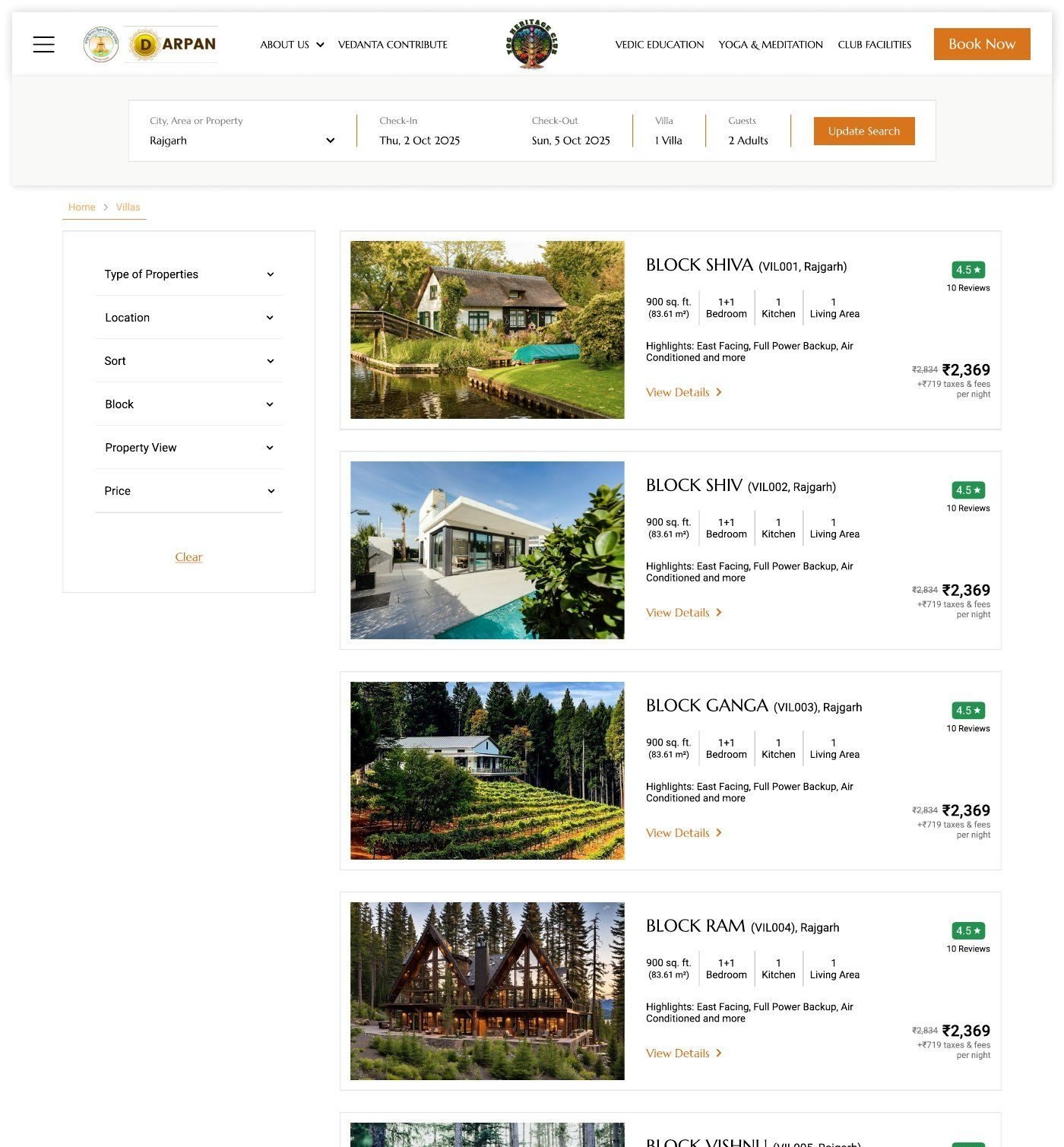
The club lists around 100 villas across three locations, each with a type, block, view, price and construction status. Members need to narrow that down quickly and compare options without opening every one.
What I tried first
Large photo-led cards, the way premium resorts present a handful of properties. They looked good with five villas but didn’t work with a hundred, because comparing meant opening each card. A table layout scaled well but felt too clinical for a heritage brand.
Where I landed
A filter sidebar with six attributes and compact property cards. Each card shows the photo, villa name and block, size, rooms, a one-line highlights row, the price with taxes shown separately, and a rating, so people can quickly rule options in or out.
If I revisited it, I’d either give the “Surprise me” toggle real logic, such as surfacing under-booked villas, or remove it. It was added late and never found a clear purpose.
Cancellations, designed for a bad day
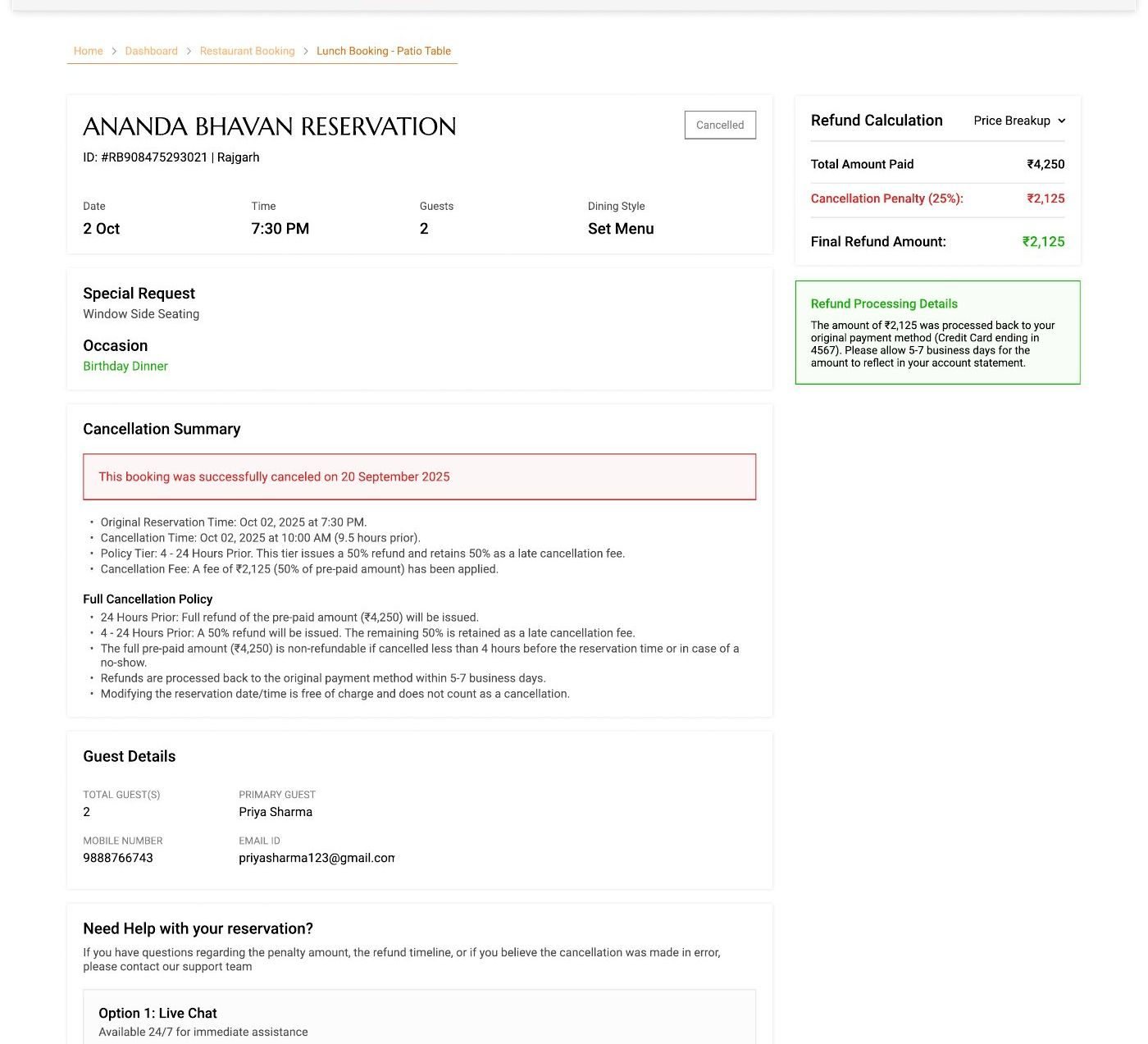
People usually cancel when plans have fallen through. A simple confirm popup and a vague “refund in 5–7 days” message make that moment harder. I designed a full cancellation page instead, ordered by what someone needs to know:
- The booking being cancelled, so they can confirm it’s the right one.
- What happened and when, with a clear cancelled status.
- The cancellation policy in plain language, by time window.
- The refund calculation: amount paid, penalty and final refund.
- Where the money goes and how long it takes.
- How to get help, with the booking reference already filled in.
Showing the numbers up front also makes rescheduling a visible alternative, since the cost of each option is clear on the same page.
The rest of the product
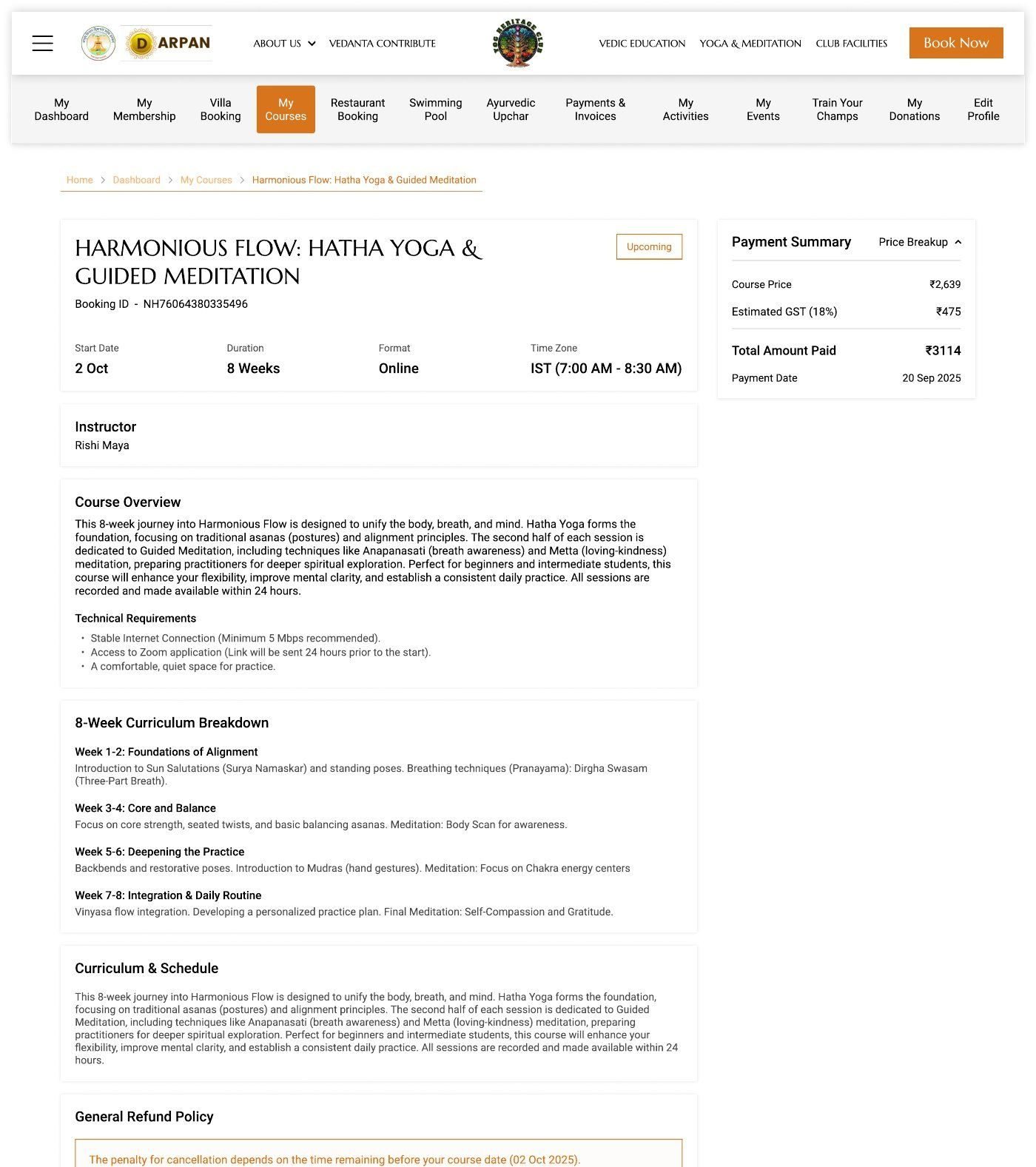
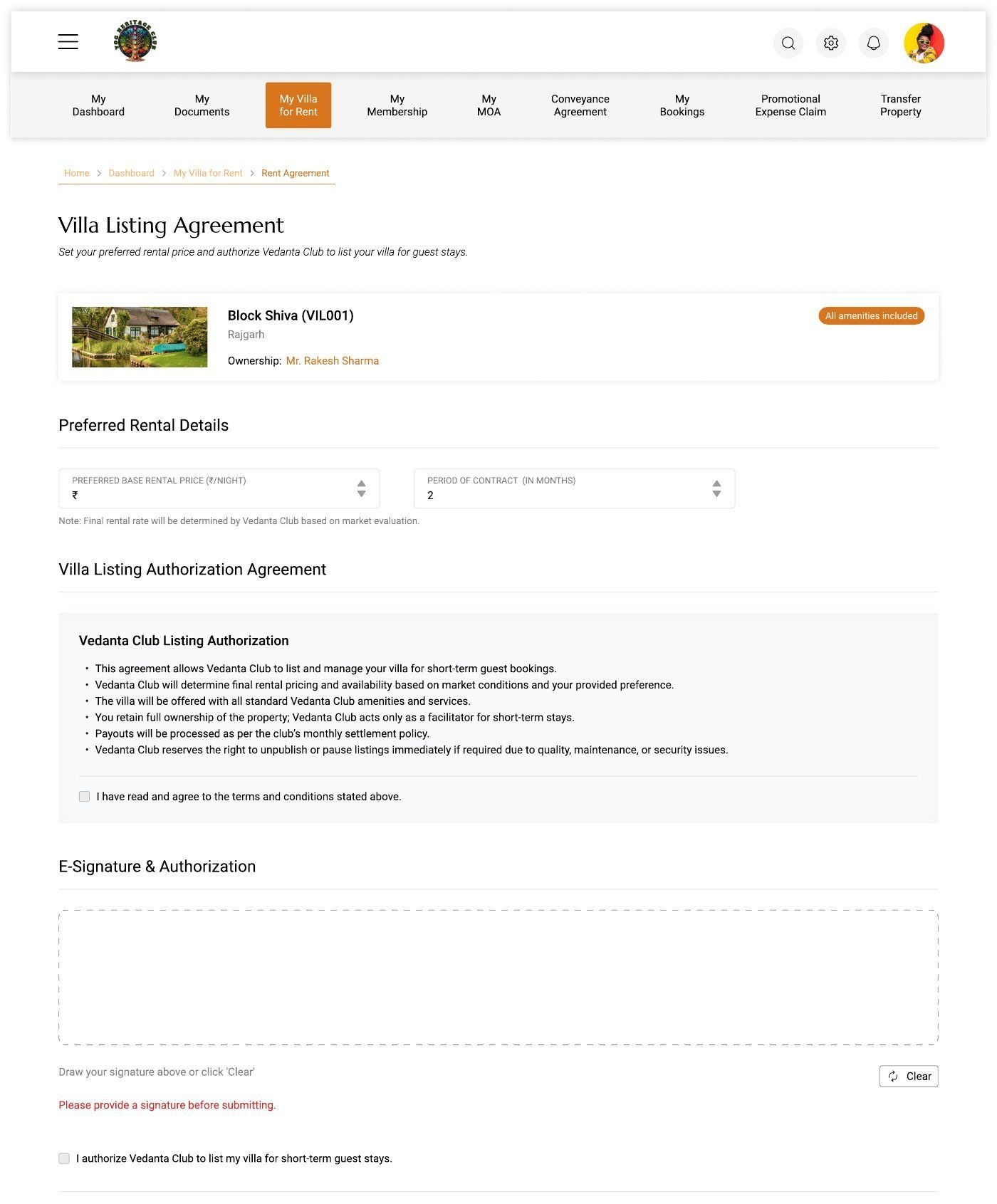
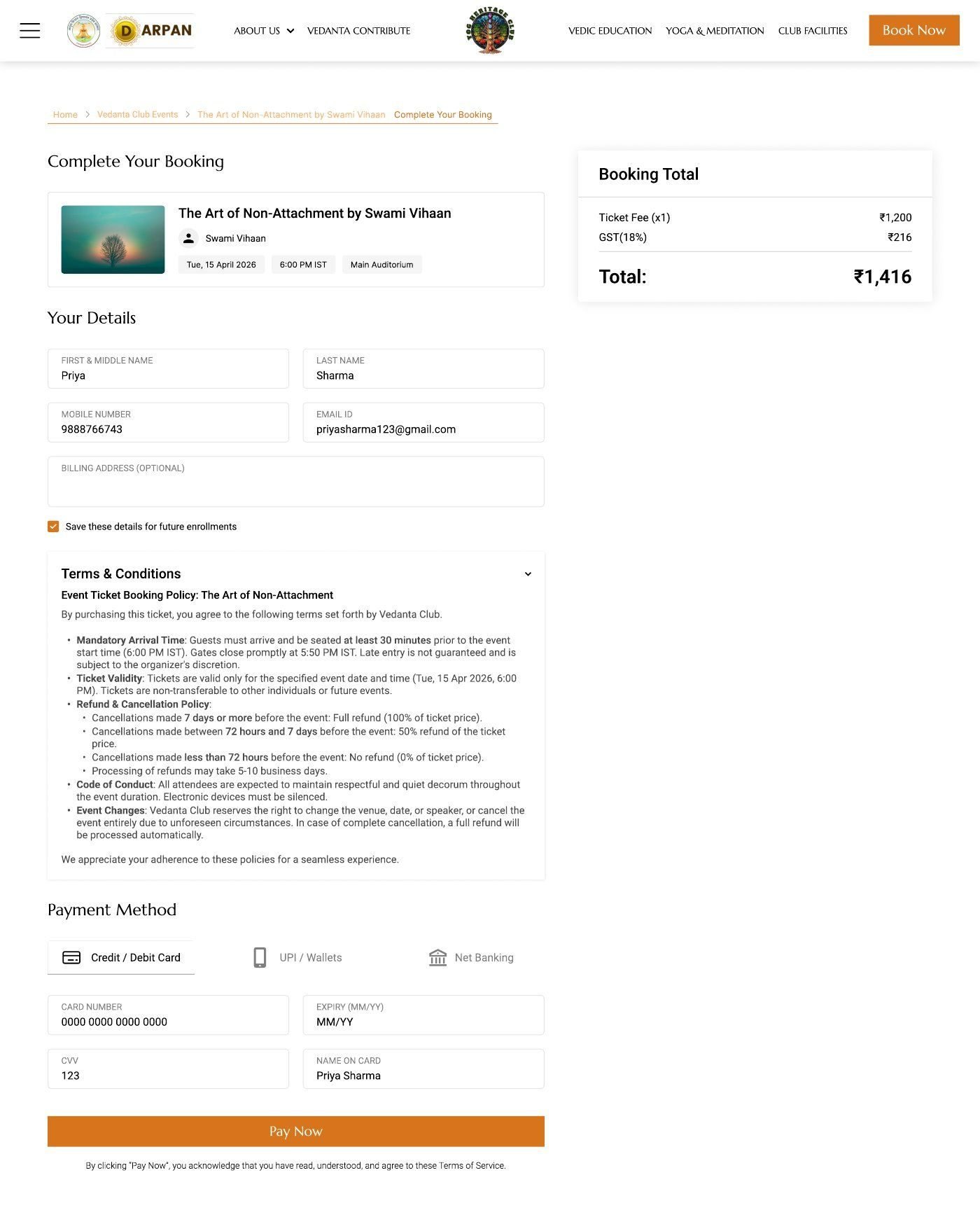
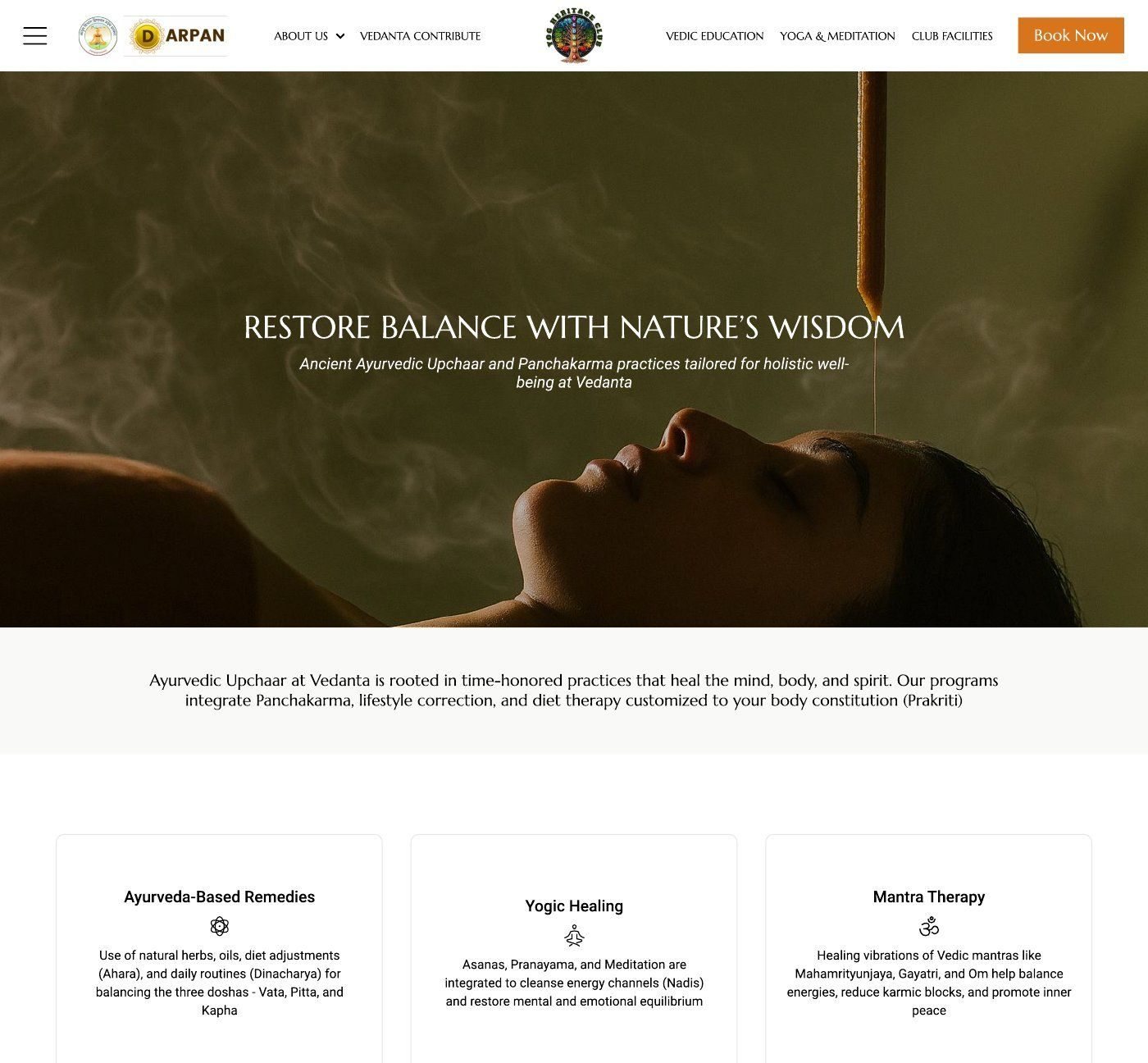
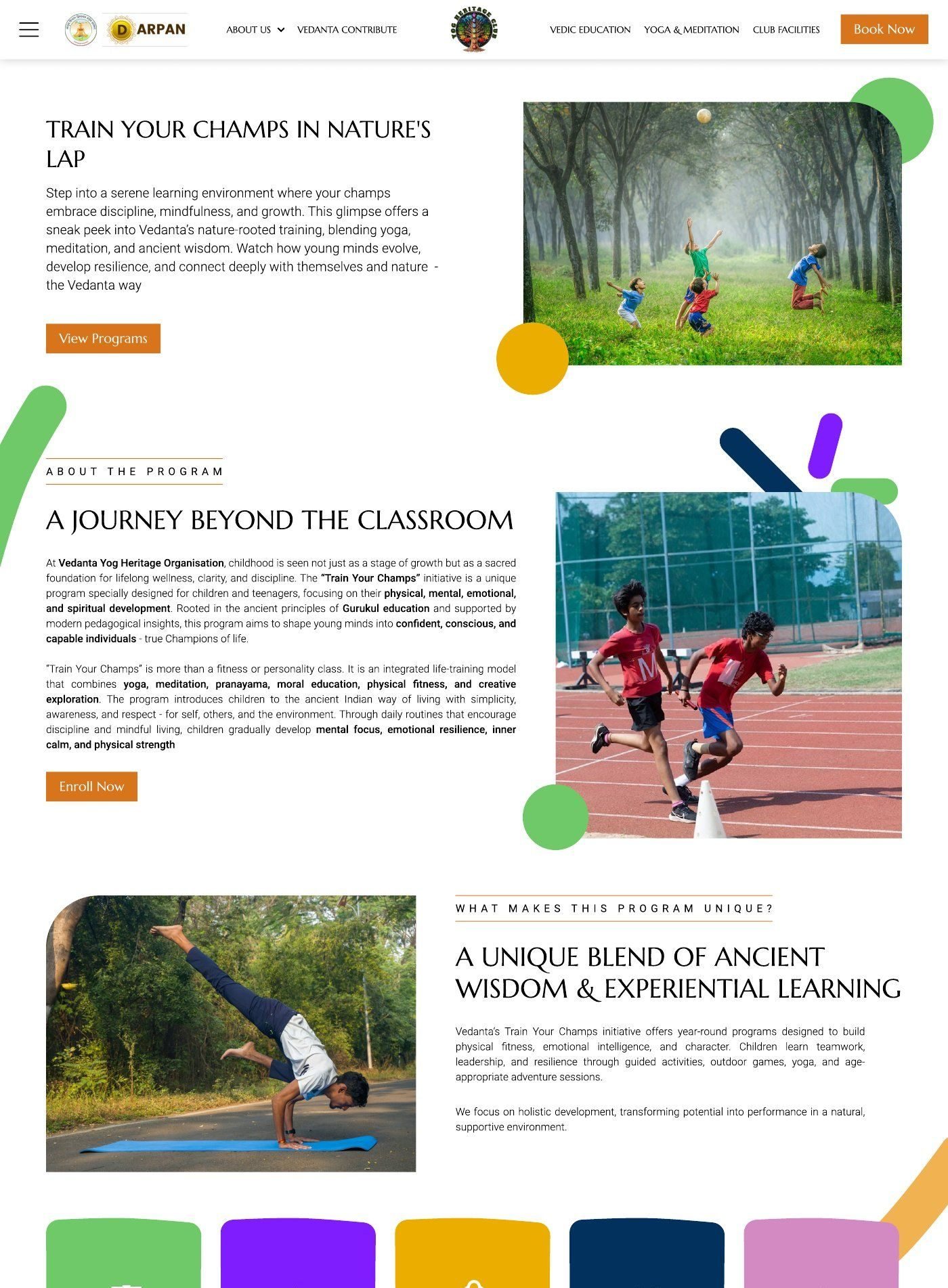
Beyond these two flows: around 100 property pages, course and event pages, a member portal with 13 sections from villa and restaurant booking to payments and donations, and a separate portal for villa owners with documents, listing agreements and e-signature.
Looking back
The live site implements these designs only in part, so the screens here are the Figma versions.
The one thing I’d change is building shared components from day one. I made near-identical cards for villas, courses, activities and events before realising they were one component with variations. Starting there would have saved time and made handoff cleaner.